

Metrics explained
Garmin Training Status and Training Readiness: what the labels mean and when to trust them
Garmin Training Status tells you whether recent training is building fitness, and Training Readiness tells you how ready you are for today's session. Here is what the labels and HRV status mean and when to trust them.
Written by MoveVitals Editorial Collective
Community-authored educational content. Individual clinical review is identified only when a named review is actually recorded.
Editorial standards & corrections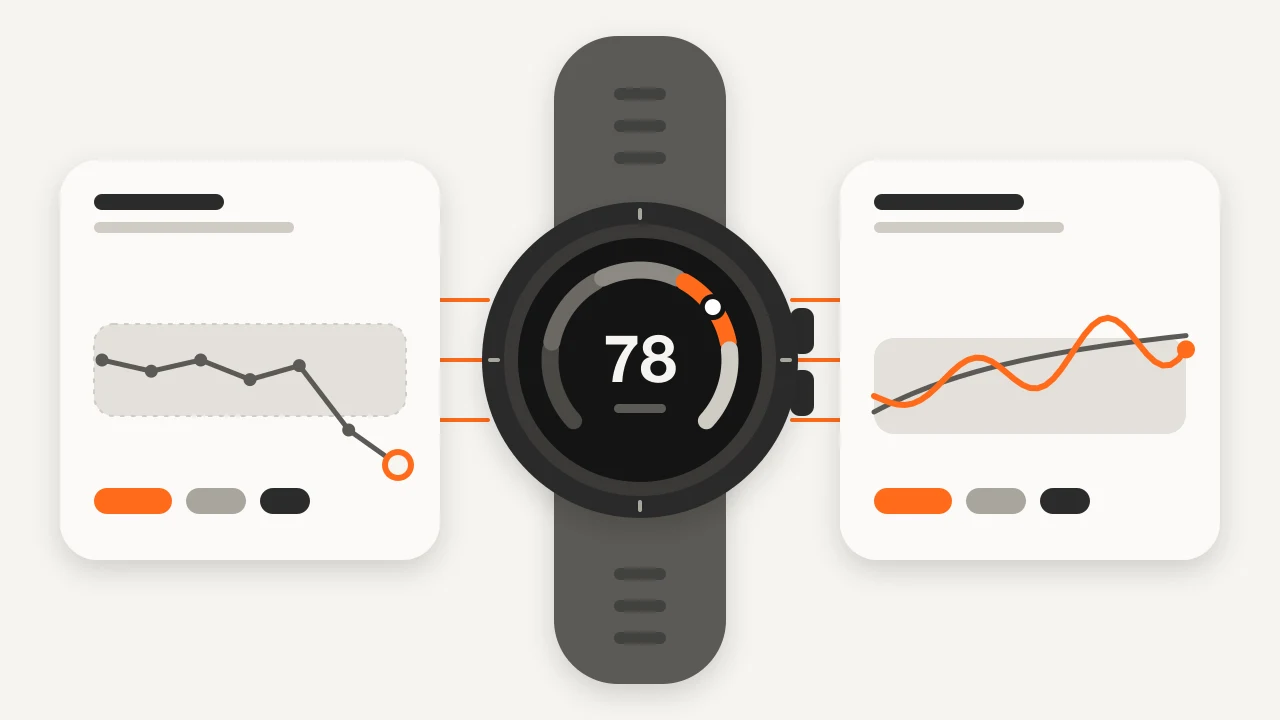
Key takeaways
- Training Status answers whether training is working over recent weeks, Training Readiness whether you are ready for a hard session today, and HRV Status whether overnight HRV is in your normal range.
- Training Readiness is a score of 1–100 with levels including Prime at 95–100 and High at 75–94; if you have a fever or other symptoms, ignore even a Prime score.
- Garmin HRV status compares the average of the last seven nights with a personal baseline range that takes about three weeks of wear to build.
- Unproductive means load looks adequate but fitness is flat or falling, and heat, altitude or wrist heart rate errors can trigger it even when training is going well.
- Strength training and sports without GPS tend to be under-counted in heart-rate-based load and do not update VO2 max.
Two features, two questions
Garmin's training metrics come from Firstbeat Analytics models and appear on newer watches; features and wording depend on your model and firmware.
| Training Status | Training Readiness | HRV Status | |
|---|---|---|---|
| Question | Is my training working? | Am I ready for a hard session today? | Is my overnight HRV in my normal range? |
| Time scale | Recent weeks | Today (shown on waking, updated through the day), with recent days as context | 7-day average against a baseline built over about three weeks |
| Main inputs | VO2 max trend, acute load, HRV status | Sleep, recovery time, HRV status, acute load, sleep and stress history | Overnight HRV |
Training Status: what the labels mean
Training Status compares your recent training load with how your fitness (the VO2 max estimate) and recovery signals are moving. Without a VO2 max estimate and recent activity it shows "No Status". Wording varies by language and firmware.
| Label | What Garmin is telling you | Sensible response |
|---|---|---|
| Peaking | Load has eased while fitness is high: good race condition | Race or do your key session |
| Productive | Fitness is rising and load is in a good range | Keep going, progress gradually |
| Maintaining | Load holds fitness steady but does not push it up | Fine in busy periods |
| Recovery | Load is light enough to recover | Expected after a hard block or a deload week |
| Unproductive | Load looks adequate but fitness is flat or falling | Check sleep, stress, illness, heat and sensors first |
| Strained | High load while recovery or fitness is not keeping up | A few easier days |
| Detraining | Load well below normal for a week or more | Rebuild gradually |
| Overreaching | Load well above what you are adapting to | Cut load for days — see overreaching and overtraining |
Underneath sits your acute load: roughly a weighted sum of Training Load (an estimate based on excess post-exercise oxygen consumption, EPOC) over the last several days, shown against a range Garmin calls low, optimal or high for you. Newer models also compare it with a longer-term average as a load ratio. The idea matches acute and chronic load in fitness, fatigue and form and training load, but the numbers are not interchangeable across platforms. The VO2 max estimate updates mainly from runs and rides with enough heart rate data.
Training Readiness: the six factors
Training Readiness is a score of 1–100 that Garmin calculates after you wake up and keeps updating through the day, in five levels: Prime (95–100), High (75–94), Moderate (50–74), Low (25–49) and Poor (1–24). Garmin lists six factors: last night's sleep score, recovery time, HRV status, acute load, sleep history (last three nights) and stress history (last three days). Open the breakdown, because a low score driven by sleep calls for a different response than one driven by acute load, and wear the watch overnight or the score has less to work with. Body Battery is a separate energy estimate, not one of the six.
Garmin HRV status: Balanced, Unbalanced, Low and Poor
Garmin measures HRV while you sleep and compares the average of the last seven nights with a personal baseline range that takes about three weeks of wear to build. Balanced means the 7-day average sits inside it, Unbalanced that it is above or below it, Low that it is well below it, and Poor that your HRV is averaging well below the normal range for your age. Garmin does not publish exact cut-offs. Because it uses a 7-day average, one bad night rarely flips it and it can lag how you feel by days. Values are in milliseconds and not comparable with WHOOP, Oura or Apple Watch numbers — see heart rate variability and how MoveVitals handles multiple devices.
When the labels mislead
- A new or replaced watch: no baseline or VO2 max history, so expect "No Status" or swings for a few weeks.
- A noisy VO2 max estimate: heat, altitude, hills, wrist heart rate errors and illness can lower it and trigger Unproductive even when training is going well.
- Illness, travel, alcohol and bad nights: Readiness and HRV rightly drop, but the label cannot tell you why. If you are ill, skip hard training — see training when sick.
- Strength training and sports without GPS: heart-rate-based load tends to under-count heavy lifting, and these sessions do not update VO2 max.
- Taper and recovery weeks: Recovery or Detraining can appear when you cut load on purpose. That is expected, not lost fitness.
Cross-check with your own data
Before changing a plan because of a label, look at seven days of overnight HRV, resting heart rate and sleep, plus how sessions feel (RPE), against your own normal — see your personal baseline.
| Garmin says | Your data says | Sensible move |
|---|---|---|
| Training Status Unproductive | HRV in range, resting heart rate normal, sessions feel fine, recent hot runs | Possibly VO2 max noise: keep training, recheck in 1–2 weeks |
| Training Status Strained or Overreaching | HRV trending down, resting heart rate several beats up for days, poor sleep, heavy legs | A genuine fatigue signal: cut load and rest |
If you have a fever or other symptoms, ignore even a Prime score: symptoms win.
In MoveVitals
MoveVitals brings in Garmin activities (heart rate, pace, power, cadence and GPS from the FIT data), the daily summary with resting heart rate and stress, Body Battery, sleep and the overnight HRV average. Training Status and Training Readiness are calculated inside Garmin's apps and are not among the metrics MoveVitals imports, so keep reading them in Garmin Connect or on the watch. What MoveVitals adds is the cross-check: its own load from your activities across all platforms (a ride recorded by Garmin and Strava counts once), overnight HRV, resting heart rate, sleep and Body Battery on one timeline against your 60-day baseline, and HRV from other devices such as Oura beside Garmin's.
Worked example
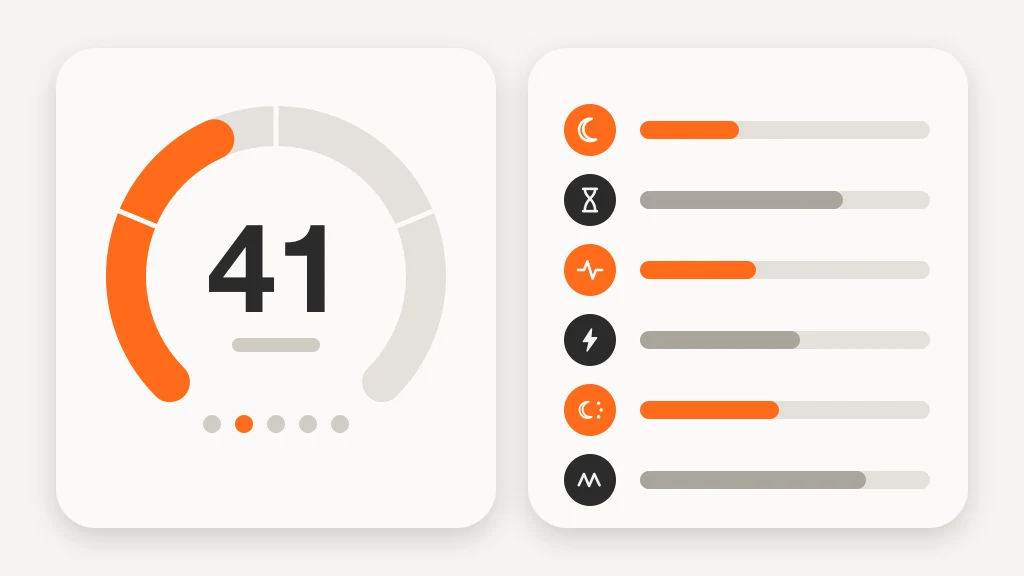
Illustrative scenario. Hana, 34, runs about 40 km (25 miles) a week with a Garmin watch. On Friday her Training Readiness is 41 (Low): sleep score 58 after two nights of about 5.5 hours, HRV status Unbalanced (7-day average 41 ms against a range of 46–58 ms) and a high acute load. In MoveVitals the same days show overnight HRV roughly 15 % below her usual, resting heart rate 55 bpm against 50 for three days and a morning Body Battery of 38. The signals agree, so she swaps intervals for 40 easy minutes and sleeps eight hours for two nights; by Monday Readiness is 78. Two weeks later Training Status flips to Unproductive after two hot runs pull her VO2 max estimate from 52 to 50. HRV is in range, resting heart rate is normal and sessions feel fine, so she keeps the plan, and the label returns to Productive in cooler weather. Figures are illustrative.
Action steps
- Wear the watch every night for at least three weeks so HRV status and Training Readiness have a baseline.
- Open the explanation behind each label (factor list, acute load range) rather than reading only the headline.
- When a label surprises you, check seven days of overnight HRV, resting heart rate and sleep before changing the plan.
- Treat Unproductive and Strained as prompts to look for sleep debt, illness, heat or stress before cutting training.
- If you are ill, skip hard training whatever your Training Readiness says, and compare HRV only within one device.
Related guides
- Garmin Connect and MoveVitals: activities, health and Body Battery
- Garmin Body Battery: charging, draining and what it tells you
- Training load explained: TRIMP, TSS, strain and relative effort
- Fitness, fatigue and form (CTL, ATL, TSB): the performance management chart
- Normal heart rate variability (HRV) by age: RMSSD vs SDNN
- Garmin vs Apple Watch for training and health: what each measures best
FAQ
Why is my Garmin Training Status Unproductive? Garmin sees adequate load but flat or falling fitness. Non-training causes include heat, altitude or hilly runs lowering the VO2 max estimate, poor sleep, stress, illness or a heart rate sensor error; it can also be real, such as too little recovery. Check HRV, resting heart rate and sleep first. If it shows Strained instead, run the same checks and watch whether HRV and resting heart rate are worsening together.
Why is my Garmin Training Readiness always low? Open the factor breakdown. The usual culprits are short sleep, HRV status below baseline, a high acute load or recent stress. A loose watch, or one charging overnight, can leave the score short of data.
How long until a new Garmin shows Training Status and HRV status? HRV status needs roughly three weeks of overnight wear. Training Status needs a VO2 max estimate and recent activity, so allow a few weeks of regular running or cycling.
References
- Plews et al. (2013). Training Adaptation and Heart Rate Variability in Elite Endurance Athletes: Opening the Door to Effective Monitoring. Sports Medicine. https://doi.org/10.1007/s40279-013-0071-8
- Halson (2014). Monitoring Training Load to Understand Fatigue in Athletes. Sports Medicine. https://doi.org/10.1007/s40279-014-0253-z
- Gabbett (2016). The training—injury prevention paradox: should athletes be training smarter and harder?. British Journal of Sports Medicine. https://doi.org/10.1136/bjsports-2015-095788
- Garmin Support. Training Status, Training Readiness and HRV Status articles and owner's manuals. https://support.garmin.com
For general information only. This is not medical advice — talk to a qualified professional about your health.
Keep reading
Devices & setup
How MoveVitals handles multiple devices: provenance, duplicates and conflicts
5 min read
Metrics explained
Normal heart rate variability (HRV) by age: RMSSD vs SDNN
6 min read
Metrics explained
Resting heart rate: normal ranges and what changes it
4 min read
Recovery & sleep
Overreaching and overtraining: warning signs and what to do
4 min read
Recovery & sleep
Deload weeks: why planned easy weeks make you fitter
3 min read
Sports
Trail running with a watch: heart rate, climbs and pacing by effort
7 min read