

Devices & setup
Strava and MoveVitals: workouts, streams and devices that arrive via Strava
Strava imports supported workouts and available activity streams into MoveVitals. It can relay recordings from Zwift and Magene; COROS also has its own direct MoveVitals connection.
Written by MoveVitals Editorial Collective
Community-authored educational content. Individual clinical review is identified only when a named review is actually recorded.
Editorial standards & corrections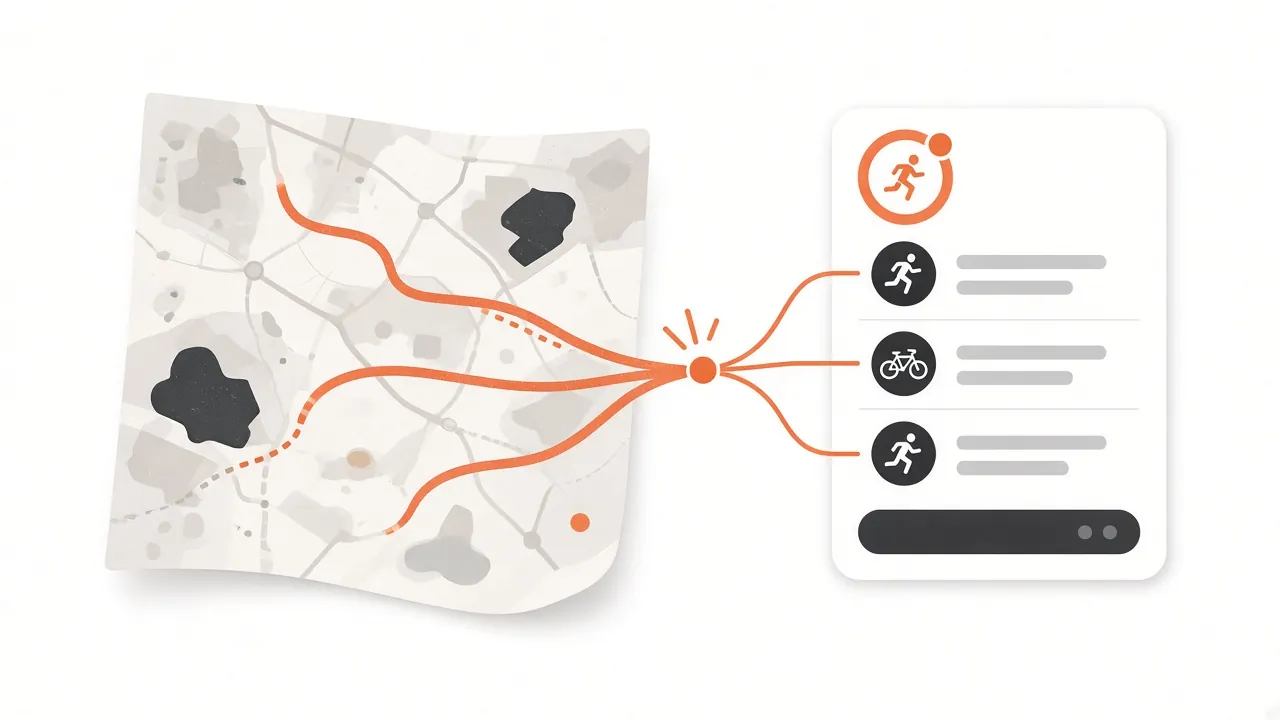
Key takeaways
- Strava's API does not share sleep, HRV or daily health data, so connect a wearable such as WHOOP, Oura or Garmin for those.
- MoveVitals reads the recording device name on each Strava activity and keeps it, so Zwift, COROS or Magene remain visible as the original device.
- New activities arrive through Strava's webhook within moments of upload, and title and sport edits sync while deleted activities are removed.
- A missing activity set to "Only you" usually means private access was declined, so reconnect and allow private activities.
What syncs
| Data | Details |
|---|---|
| Activities | Sport type, start time, duration, distance, elevation, calories |
| Streams | Heart rate, pace/speed, power, cadence, altitude, GPS, temperature |
| Laps | Lap splits and averages |
| Device | The recording device name (e.g. "Zwift", "COROS PACE 3", "Magene") |
Strava's API doesn't share sleep, HRV or daily health data — connect a wearable such as WHOOP, Oura or Garmin for those.
How to connect
- Open Connections in MoveVitals and click Connect next to Strava.
- Sign in to Strava and authorise read access to your activities (including private ones if you want them synced).
- Recent history is imported; new activities arrive automatically through Strava's webhook within moments of upload.
Strava as a relay
Training apps can relay compatible workouts through Strava. This is an optional route for COROS, which also has a direct connection for workouts and daily health data.
| Platform | Path | Original device kept |
|---|---|---|
| Zwift | Zwift → Strava → MoveVitals | Yes |
| COROS | COROS → Strava → MoveVitals | Yes |
| Magene | Magene app → Strava → MoveVitals | Yes |
MoveVitals reads the device name on each activity and labels it, e.g. "Zwift via Strava", so you always know the true source.
If you use a Suunto watch, check the Suunto direct-connection guide before adding an overlapping Strava route.
Avoiding duplicates
If a Garmin or Wahoo is connected directly and uploads to Strava, the same ride arrives twice. MoveVitals detects the overlap and merges them into one activity — see how MoveVitals resolves conflicts.
Troubleshooting
- Activity missing: check that it isn't set to "Only you" with private access declined during authorisation; reconnect and allow private activities.
- Edits on Strava: title and sport changes sync; deleted activities are removed.
- Rate limits: large history imports are spread over time.
More details on the Strava integration page.
Worked example
Illustrative scenario. Ben uses a Wahoo bike computer, a Magene trainer with Zwift and an old watch with no direct integration. All three upload to Strava, so he connects Strava to MoveVitals as a relay. His rides arrive with power and heart rate streams. When he later connects Wahoo directly, the same rides arrive from two sources; MoveVitals merges them into one, so his weekly training load isn't counted twice. He makes some Strava activities private, which doesn't stop them syncing, since MoveVitals reads with his permission.
Action steps
- Connect Strava in MoveVitals Connections and approve the requested permissions.
- Use Strava as a relay for devices without a direct MoveVitals connection.
- Prefer direct connections when available for richer health data.
- Check that each activity appears only once after adding new sources.
- Disconnect or revoke access in Strava settings whenever you like.
Related guides
- How MoveVitals handles multiple devices: provenance, duplicates and conflicts
- Wahoo and MoveVitals: ELEMNT, KICKR and SYSTM workouts
- Zwift with MoveVitals: indoor rides and runs via Strava
- Training load explained: TRIMP, TSS, strain and relative effort
- Which wearable for your sport? What to look for in running, swimming, cycling, strength and racket sports
FAQ
Will MoveVitals post to Strava? No. Access is read-only.
Do I lose data if I disconnect Strava? Syncing stops; you choose whether to keep or delete imported activities.
Do private Strava activities sync? Yes, if you granted permission to read private activities when connecting.
Does Strava pass on sleep or HRV data? No. Strava shares activities and their streams; use a direct device connection for health data.
References
- Strava. Strava Developers (official API documentation). https://developers.strava.com/docs/
- Gillinov et al. (2017). Variable Accuracy of Wearable Heart Rate Monitors during Aerobic Exercise. Medicine & Science in Sports & Exercise. https://doi.org/10.1249/MSS.0000000000001284
For general information only. This is not medical advice — talk to a qualified professional about your health.
Keep reading
Training science
Zone 2 training: the science and how to do it right
4 min read
Metrics explained
VO2 max: what it means and how to improve it
4 min read
Training science
Interval training and HIIT: designing sessions that work
4 min read
Metrics explained
Heart rate zones explained: how to set and use them
4 min read
Training science
Polarized training (80/20): easy most of the time, hard some of the time
4 min read
Sports
Trail running with a watch: heart rate, climbs and pacing by effort
7 min read