

Devices & setup
Polar watches and MoveVitals: Polar Flow sync explained
Polar watches record training, sleep and Nightly Recharge. MoveVitals connects to Polar Flow through Polar's official AccessLink API.
Written by MoveVitals Editorial Collective
Community-authored educational content. Individual clinical review is identified only when a named review is actually recorded.
Editorial standards & corrections
Key takeaways
- Polar's API delivers new data after you connect, and older history may be limited by what Polar makes available.
- Nightly Recharge reaches MoveVitals as HRV, resting heart rate and breathing rate, alongside training sessions, sleep stages and daily activity.
- Access is read-only, so MoveVitals cannot send workouts to a Polar watch.
- A session missing from MoveVitals must sync to Polar Flow first, and a workout that also arrives through Strava is merged automatically.
What syncs
| Data | Details |
|---|---|
| Training sessions | Sport, duration, distance, heart rate, calories, training load |
| Sleep | Duration and stages, sleep score |
| Nightly Recharge | HRV, resting heart rate, breathing rate |
| Daily activity | Steps, active and total calories |
How to connect
- In MoveVitals go to Connections → Connect next to Polar.
- Sign in with your Polar Flow account and approve access.
- New data is pushed to MoveVitals via Polar's webhook after your watch syncs with Polar Flow (app or computer).
Note: Polar's API delivers new data after you connect; older history may be limited by what Polar makes available.
Polar watch vs Polar H10 strap
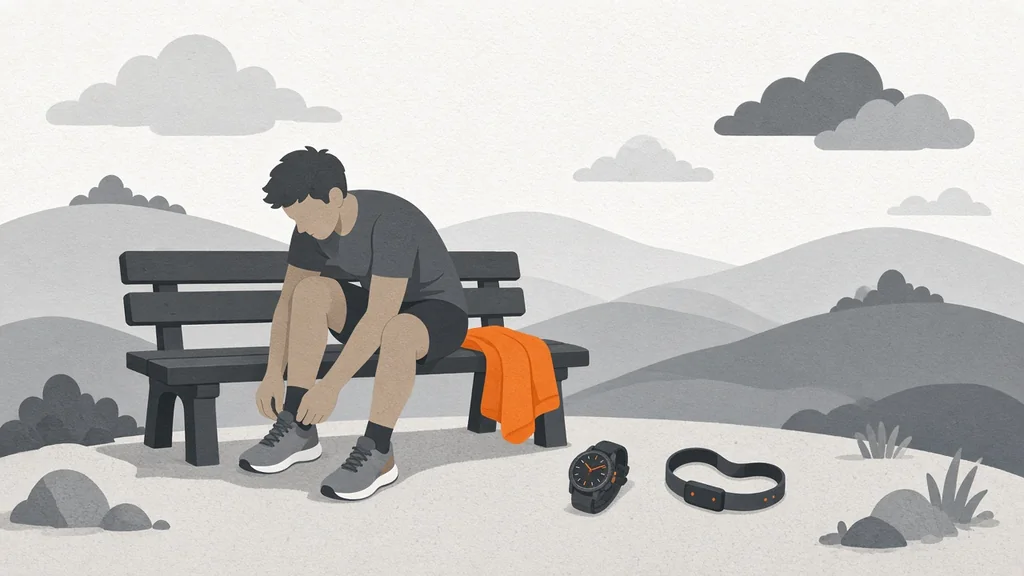
A Polar H10 chest strap paired to a Polar watch improves workout heart rate — the data reaches MoveVitals with the watch's session. Using the H10 directly with your phone is covered in the Polar H10 guide.
Tips
- If you also use Strava, the same workout can arrive twice; MoveVitals merges them.
- Choose Polar as your HRV source in Priorities if it's your only night-time device.
More on the Polar integration page.
Worked example
Illustrative scenario. Maya connects Polar Flow to MoveVitals. Her runs, sleep and Nightly Recharge data arrive after each sync with the Flow app. She uses wrist heart rate for easy runs and a Polar H10 for track intervals. In MoveVitals she compares her resting heart rate trend from Polar with her session RPE-based training load over a month, and notices that her resting heart rate rises by 4–5 bpm after her three hardest weeks — a cue for her planned deload.
Action steps
- Connect Polar in MoveVitals Connections and approve access in Polar Flow.
- Sync your watch with the Polar Flow app after training and in the morning.
- Use an H10 strap for interval sessions.
- Wear the watch at night for sleep and Nightly Recharge data.
- Review trends weekly rather than reacting to a single night.
Related guides
- Polar H10 chest strap with MoveVitals: accurate heart rate and HRV
- Resting heart rate: normal ranges and what changes it
- Deload weeks: why planned easy weeks make you fitter
- How MoveVitals handles multiple devices: provenance, duplicates and conflicts
- How accurate is wrist heart rate? Optical sensors vs chest straps, by sport
FAQ
Why are some sessions missing? They must sync to Polar Flow first; open the Flow app.
Can MoveVitals send workouts to my Polar? Not currently — access is read-only.
What does MoveVitals receive through AccessLink? Activities, daily activity and sleep and recovery data that you authorise; access is read-only.
Do I need Polar Flow and Strava connected? No. Polar Flow alone is enough; if both are connected, duplicates are merged.
References
- Polar. Polar AccessLink API (official documentation). https://www.polar.com/accesslink-api/
- Gillinov et al. (2017). Variable Accuracy of Wearable Heart Rate Monitors during Aerobic Exercise. Medicine & Science in Sports & Exercise. https://doi.org/10.1249/MSS.0000000000001284
- Miller et al. (2022). A Validation of Six Wearable Devices for Estimating Sleep, Heart Rate and Heart Rate Variability in Healthy Adults. Sensors. https://doi.org/10.3390/s22166317
For general information only. This is not medical advice — talk to a qualified professional about your health.
Keep reading
Devices & setup
How MoveVitals handles multiple devices: provenance, duplicates and conflicts
5 min read
Metrics explained
Resting heart rate: normal ranges and what changes it
4 min read
Metrics explained
VO2 max: what it means and how to improve it
4 min read
Recovery & sleep
Your personal baseline: why "normal for you" beats population averages
4 min read
Training science
Zone 2 training: the science and how to do it right
4 min read
Devices & setup
WHOOP and MoveVitals: what syncs and how to get the most from it
3 min read