

Devices & setup
Garmin Connect and MoveVitals: activities, health and Body Battery
MoveVitals integrates with Garmin Connect through the official Garmin Connect Developer Program, which delivers activities and daily health data by push.
Written by MoveVitals Editorial Collective
Community-authored educational content. Individual clinical review is identified only when a named review is actually recorded.
Editorial standards & corrections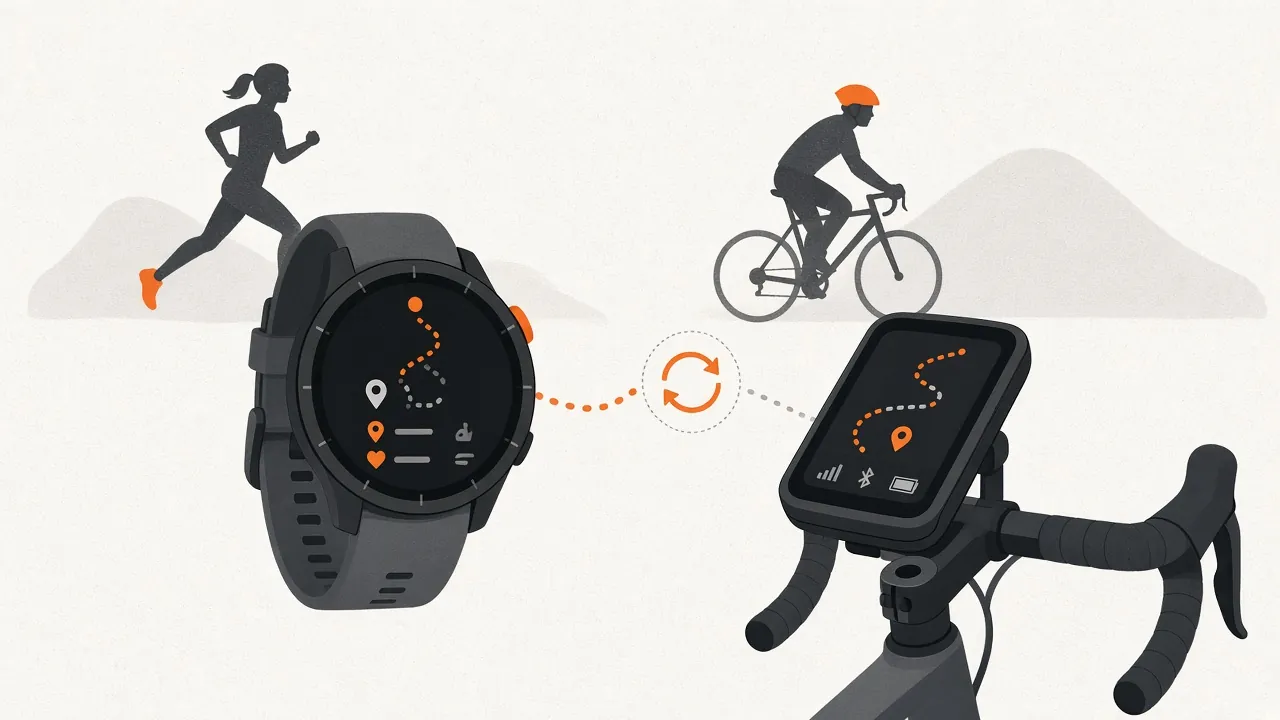
Key takeaways
- Garmin pushes new data to MoveVitals whenever your device syncs with Garmin Connect, and MoveVitals also requests a history backfill after connecting.
- The Garmin sync includes activities with FIT data, daily steps and stress, Body Battery, sleep stages, overnight HRV and weight from Garmin Index scales.
- MoveVitals calculates its own training load from your activities across all platforms rather than relying on one device's figure.
- If you also upload Garmin activities to Strava, MoveVitals merges the duplicates automatically; for night-time metrics from Garmin versus WHOOP or Oura, choose a source in Priorities.
What syncs
| Data | Details |
|---|---|
| Activities | All sports with heart rate, pace, power, cadence and GPS (FIT data) |
| Daily summary | Steps, calories, resting heart rate, stress |
| Body Battery | Daily high/low and changes |
| Sleep | Duration, stages, sleep score |
| HRV | Overnight HRV status |
| Body composition | Weight and composition from Garmin Index scales |
How to connect
- In MoveVitals: Connections → Connect Garmin.
- Sign in with your Garmin account and choose which data to share.
- Garmin pushes new data to MoveVitals whenever your device syncs with Garmin Connect; MoveVitals also requests a history backfill after connecting.
Garmin's program requires developer approval. If the Connect button isn't available yet, activities can still reach MoveVitals via Strava in the meantime.
Garmin with other devices
- Garmin watches are a strong default for steps and workouts.
- If you upload Garmin activities to Strava too, MoveVitals merges the duplicates automatically.
- Night-time metrics from Garmin vs WHOOP/Oura: choose your preferred source in Priorities — see how MoveVitals resolves conflicts.
Troubleshooting
- No new data: sync your watch with the Garmin Connect app.
- You changed sharing permissions in Garmin: reconnect from Connections.
More on the Garmin integration page.
Worked example
Illustrative scenario. Elena connects Garmin Connect to MoveVitals and also wears an Oura ring at night. Her dashboard shows her Garmin runs and rides with full data, while sleep comes from both devices. She notices the two disagree on deep sleep by about 20 minutes most nights — consistent with validation studies showing consumer wearables estimate sleep stages imperfectly. She picks one device as her main sleep source and follows its trend rather than switching between them. Her training load is calculated from all her activities, including a few indoor rides recorded on Zwift.
Action steps
- Connect Garmin in MoveVitals Connections and allow activities and health data.
- Sync your watch with the Garmin Connect app regularly.
- Pick one device as your main source for sleep if you wear more than one.
- Wear the watch snugly, especially at night, for better heart rate and HRV readings.
- Use a chest strap for intervals if wrist heart rate looks erratic.
Related guides
- Garmin Body Battery: charging, draining and what it tells you
- How MoveVitals handles multiple devices: provenance, duplicates and conflicts
- Oura Ring and MoveVitals: sleep, readiness and temperature in one place
- Sleep stages: light, deep and REM sleep explained
- Garmin Training Status and Training Readiness: what the labels mean and when to trust them
- Garmin vs Apple Watch for training and health: what each measures best
FAQ
Does it include training status and load? MoveVitals calculates its own load from your activities across all platforms.
Can I send workouts to my watch? Not yet.
Why is my Garmin sleep different from my ring? Each device uses its own sensors and algorithms; compare trends within one device rather than numbers across devices.
Does Body Battery sync to MoveVitals? Body Battery appears with your Garmin health data; MoveVitals shows it alongside its own recovery score.
References
- Miller et al. (2022). A Validation of Six Wearable Devices for Estimating Sleep, Heart Rate and Heart Rate Variability in Healthy Adults. Sensors. https://doi.org/10.3390/s22166317
- Chinoy et al. (2021). Performance of seven consumer sleep-tracking devices compared with polysomnography. Sleep. https://doi.org/10.1093/sleep/zsaa291
- Bent et al. (2020). Investigating sources of inaccuracy in wearable optical heart rate sensors. npj Digital Medicine. https://doi.org/10.1038/s41746-020-0226-6
For general information only. This is not medical advice — talk to a qualified professional about your health.
Keep reading
Devices & setup
How MoveVitals handles multiple devices: provenance, duplicates and conflicts
5 min read
Recovery & sleep
Your personal baseline: why "normal for you" beats population averages
4 min read
Metrics explained
Normal heart rate variability (HRV) by age: RMSSD vs SDNN
6 min read
Devices & setup
WHOOP and MoveVitals: what syncs and how to get the most from it
3 min read
Metrics explained
Resting heart rate: normal ranges and what changes it
4 min read
Recovery & sleep
Overreaching and overtraining: warning signs and what to do
4 min read