

Devices & setup
Dexcom CGM and MoveVitals: glucose next to your training and sleep
Connect Dexcom to see your continuous glucose readings alongside workouts, sleep and recovery — through Dexcom's official API.
Written by MoveVitals Editorial Collective
Community-authored educational content. Individual clinical review is identified only when a named review is actually recorded.
Editorial standards & corrections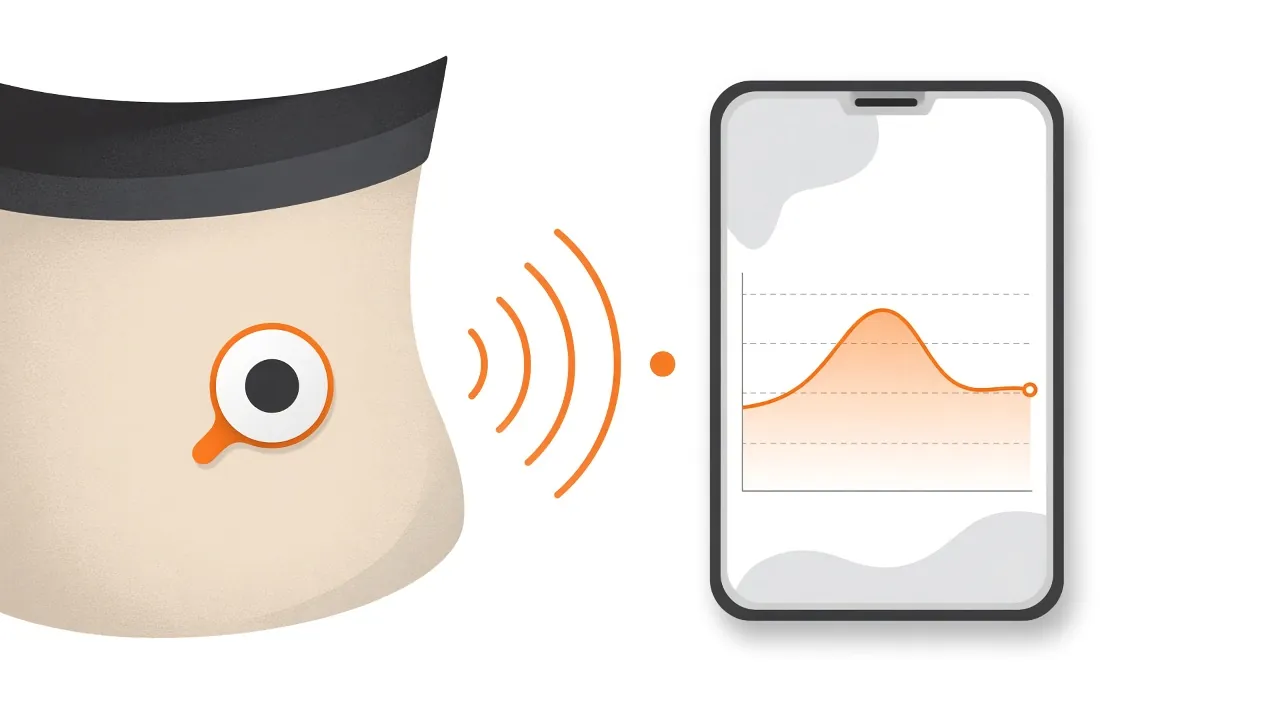
Key takeaways
- MoveVitals is not a medical device and must never be used for treatment decisions, insulin dosing or low-glucose alerts; use the real-time Dexcom app for alerts.
- Dexcom estimated glucose values typically arrive every 5 minutes, and MoveVitals calculates daily average glucose and time in range from them.
- Dexcom's API releases data with a delay, so a missing reading from today will appear later.
- Look at glucose around workouts, meals and sleep over 1–2 weeks rather than single readings, and discuss patterns with your clinician before changing medication.
What syncs
| Data | Details |
|---|---|
| Glucose readings (EGVs) | Estimated glucose values, typically every 5 minutes |
| Daily summaries | Average glucose and time in range (calculated by MoveVitals) |
How to connect
- In MoveVitals: Connections → Connect Dexcom.
- Sign in with your Dexcom account and approve data sharing.
- MoveVitals syncs on a schedule. Dexcom's API provides data with a delay (typically around 1–3 hours) — it isn't a real-time alarm system.
Dexcom's API requires developer approval; availability may depend on your region.
Important safety note
MoveVitals is not a medical device and must never be used for treatment decisions, insulin dosing or low-glucose alerts. Always use your Dexcom app or receiver for real-time readings and alarms.
What you can learn
- How meals and post-meal walks affect your curve — see blood glucose and CGMs.
- How sleep and stress change next-day glucose.
- How fuelling during long sessions shows up — see carbohydrate fuelling.
Units
Glucose is stored in mg/dL and can be shown in mmol/L.
More on the Dexcom integration page.
Worked example
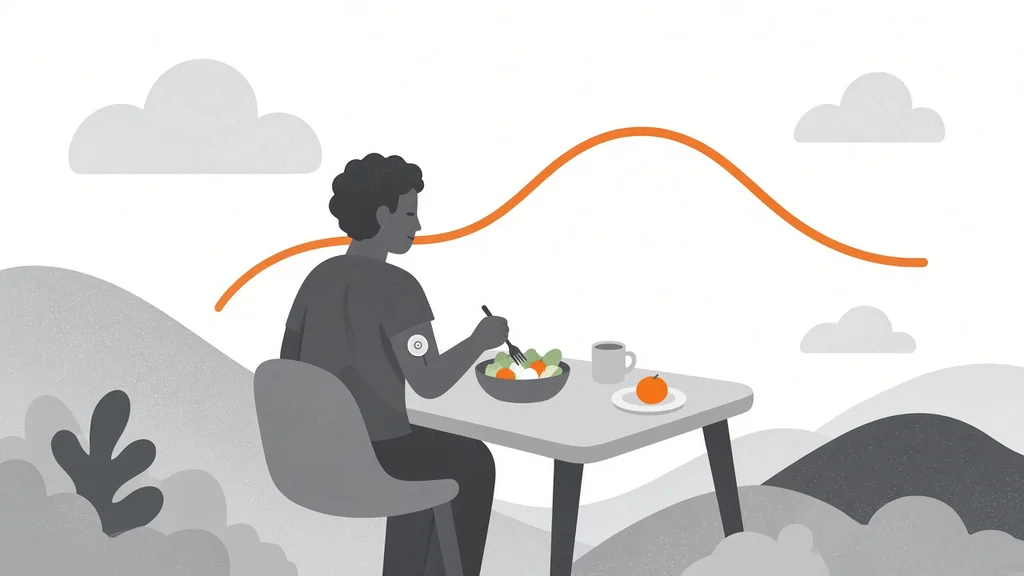
Illustrative scenario. Mark, who has type 1 diabetes, connects his Dexcom account to MoveVitals to view glucose next to his training. Over two weeks he notices that his glucose often falls after long evening rides and that late-evening hard sessions are followed by higher readings overnight. He doesn't change his insulin based on the dashboard; instead he brings the patterns to his diabetes team, who help him adjust his plan. He also tracks time in range, using the 70–180 mg/dL (3.9–10.0 mmol/L) target described in the international consensus.
Action steps
- Connect Dexcom in MoveVitals Connections and approve data sharing.
- Choose mg/dL or mmol/L to match your receiver.
- Look at glucose around workouts, meals and sleep over 1–2 weeks, not single readings.
- Use the real-time Dexcom app, not MoveVitals, for alerts and treatment decisions.
- Discuss patterns with your clinician before changing medication.
Related guides
- Glucose time in range (TIR): the CGM metric that matters most
- Blood glucose and CGMs: reading your glucose curve
- HbA1c, fasting glucose and fasting insulin: reading your metabolic health
- Carbohydrate fuelling for training and racing
- Walking after meals: what it does to blood sugar and how a CGM shows it
FAQ
Why is today's data missing? Dexcom's API releases data with a delay; it will appear later.
Is my glucose data private? Yes. It's never sold or shared, and you can delete it anytime.
Can I use Dexcom data without diabetes? Some people do for curiosity, but glucose patterns in people without diabetes are hard to interpret; treat them as information, not a diagnosis.
Why might glucose rise during hard exercise? Intense efforts release stress hormones that raise glucose output from the liver; this is often temporary.
References
- Dexcom. Dexcom API | Home (official developer portal). https://developer.dexcom.com/
- Battelino et al. (2019). Clinical Targets for Continuous Glucose Monitoring Data Interpretation: Recommendations From the International Consensus on Time in Range. Diabetes Care. https://doi.org/10.2337/dci19-0028
For general information only. This is not medical advice — talk to a qualified professional about your health.
Keep reading
Metrics explained
Blood glucose and CGMs: reading your glucose curve
4 min read
Metrics explained
Glucose time in range (TIR): the CGM metric that matters most
3 min read
Metrics explained
HbA1c, fasting glucose and fasting insulin: reading your metabolic health
3 min read
Metrics explained
Walking after meals: what it does to blood sugar and how a CGM shows it
7 min read
Recovery & sleep
Carbohydrate fuelling for training and racing
4 min read
Devices & setup
Apple Health compatible devices: what reaches MoveVitals?
3 min read