

Devices & setup
Apple Health compatible devices: what reaches MoveVitals?
A device can work with Apple Health without connecting to MoveVitals. Check the app, data type and connection path separately before choosing a device or expecting a sync.
Written by MoveVitals Editorial Collective
Community-authored educational content. Individual clinical review is identified only when a named review is actually recorded.
Editorial standards & corrections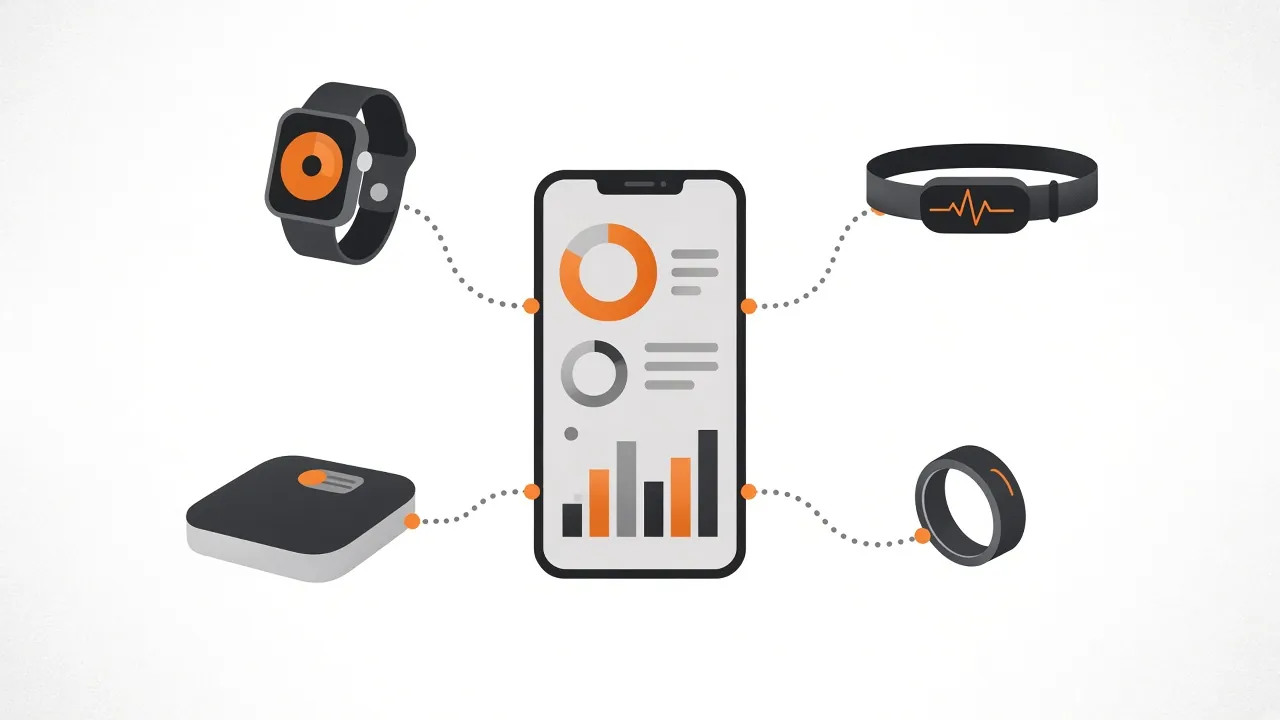
Key takeaways
- Direct Apple Health access in MoveVitals is planned and the iOS app is not publicly available, so a scale, ring or app that only writes to Apple Health has no released route yet.
- Health compatibility is checked per data type: weight support does not establish body-fat support, and sleep duration does not establish sleep-stage or HRV support.
- Garmin, Oura and Withings accounts connect to MoveVitals directly, while Apple Watch workouts can arrive through Strava, which is not a route for Apple Health sleep or HRV.
- When troubleshooting a sync, verify that one reading appears in the source app, then compare timestamps and units on a sample day; missing values are not zero.
Three checks before calling a device compatible
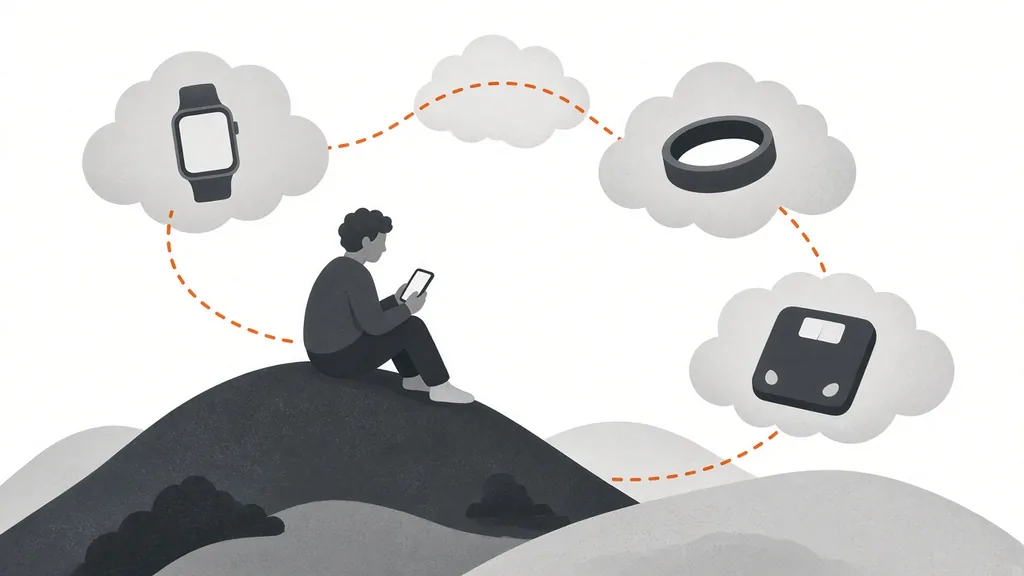
- Does its companion app support Apple Health? Check the vendor’s documentation and the Health permissions listed on your device. A Bluetooth connection alone does not establish Health support.
- Which data types can it write? Weight support does not establish body-fat support; sleep duration does not establish sleep-stage or HRV support. Verify the exact model, app version and region.
- How will the data reach MoveVitals? Check the integration catalog. Writing to Apple Health does not create a MoveVitals cloud connection.
Apple’s source-management guide explains where to inspect compatible apps, data categories and source priority in Health.
Choose a route that exists today
| Your source | Current MoveVitals route | Important limit |
|---|---|---|
| Garmin account | Garmin direct connection | Available account permissions and adapter fields determine coverage |
| Oura account | Oura direct connection | Coverage varies by the account and data supplied |
| Withings account | Withings direct connection | A model does not necessarily supply every body or sleep metric |
| Apple Watch workouts | Strava, after a supported workout appears in that account | Not a route for Apple Health sleep, HRV or daily steps |
| Another scale, ring or app that only writes to Apple Health | No released Apple Health → MoveVitals path | Wait for a public mobile release; do not assume compatibility |
| Android Health Connect | Planned mobile path | Not a currently available equivalent MoveVitals connection |
These rows describe MoveVitals paths. They are not a universal list of devices that support Apple Health or a guarantee of production access for every provider account.
Permission and source order are separate from syncing
You control an app’s Health permissions on your Apple device. Reordering sources in Health does not connect the app to MoveVitals, change MoveVitals priorities or make a planned integration available. When two supported sources send overlapping records, review the source and duplicate rules.
Worked example
Illustrative scenario. Priya uses Garmin for training, Oura for sleep and a Withings scale. She checks each direct integration instead of routing everything through an unreleased iOS app. A different scale writing weight into Apple Health remains visible in Health, but is not automatically available in MoveVitals.
Before buying or troubleshooting
- Confirm the exact data you need, rather than relying on a brand’s general “Health compatible” label.
- Verify that one reading appears in the source app before checking the downstream service.
- Compare timestamps and units on a sample day; missing values are not zero.
- Check current provider permissions and release status. Do not buy a device assuming a future connection is already available.
Related guides
- Apple Health and Apple Watch: current MoveVitals options
- Withings and MoveVitals: scales, blood pressure and sleep
- Garmin Connect and MoveVitals: activities, health and Body Battery
- Normal heart rate variability (HRV) by age: RMSSD vs SDNN
- Which wearable for your sport? What to look for in running, swimming, cycling, strength and racket sports
FAQ
Does every Health-compatible scale work with MoveVitals? No. It needs a supported current path; Apple Health support alone is insufficient.
Can Strava carry every third-party app’s Health data? No. See the Apple Watch guide for workout eligibility and the distinction from daily health records.
Will nutrition, mindfulness and every Health field sync after the app launches? The release scope has not been established here. Do not infer support from Apple’s list of data types.
Where can I check progress? The Apple Health integration page records the current route and availability.
References
- Apple. Manage Health data on your iPhone, iPad, or Apple Watch. https://support.apple.com/en-us/108779
- Apple. HealthKit documentation. https://developer.apple.com/documentation/healthkit
- MoveVitals. Current integration catalog.
For general information only. This is not medical advice — talk to a qualified professional about your health.
Keep reading
Devices & setup
Withings and MoveVitals: scales, blood pressure and sleep
3 min read
Devices & setup
How MoveVitals handles multiple devices: provenance, duplicates and conflicts
5 min read
Metrics explained
Blood oxygen (SpO2): what wearables measure and when to worry
4 min read
Devices & setup
Garmin Connect and MoveVitals: activities, health and Body Battery
3 min read
Recovery & sleep
Your personal baseline: why "normal for you" beats population averages
4 min read
Recovery & sleep
Sleep hygiene: evidence-based habits for better sleep
4 min read