

Devices & setup
Apple Health and Apple Watch: current MoveVitals options
Apple Watch workouts can reach MoveVitals through Strava. Direct Apple Health sync is planned; the MoveVitals iOS app is not publicly available.
Written by MoveVitals Editorial Collective
Community-authored educational content. Individual clinical review is identified only when a named review is actually recorded.
Editorial standards & corrections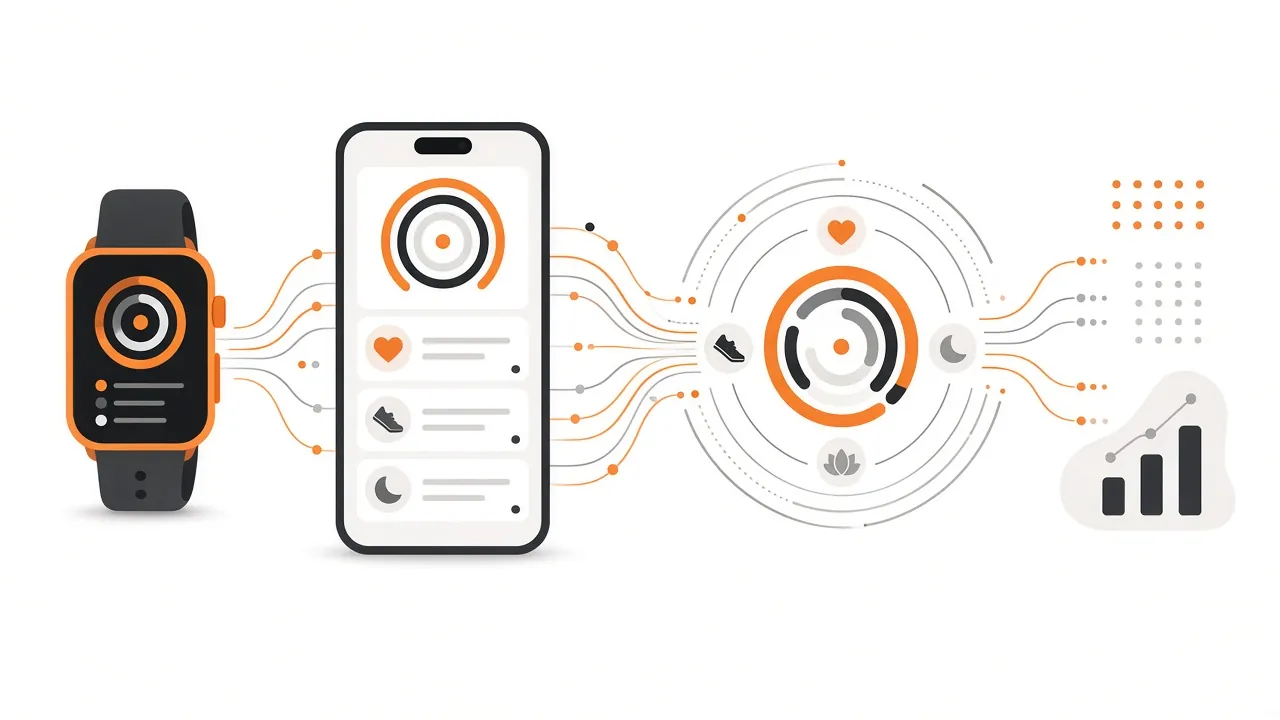
Key takeaways
- The Strava route carries workouts only: it does not import Apple Health sleep, HRV, steps or other daily health records into MoveVitals.
- Strava's import rules cover native Apple Workout recordings from the previous 30 days and exclude workouts another app wrote into Health.
- Direct HealthKit access is permission-based within an Apple app, so MoveVitals cannot offer an Apple Health web login and needs a mobile app.
- Apple's HRV samples use SDNN, which should not be treated as RMSSD from another wearable.

Connect Apple Watch workouts today
- Record a workout with the Apple Workout app and use Strava's supported Health import, or record it with Strava on the watch.
- Confirm that the activity appears in your Strava account first.
- In MoveVitals, open Connections and connect Strava.
- Compare one imported workout with Strava: date, duration, distance and available heart-rate data.
Strava's import rules cover native Apple Workout recordings from the previous 30 days; they exclude workouts another app wrote into Health. This is not a bridge for every Apple Health record.
What is available and what is planned?
| Data path | MoveVitals status |
|---|---|
| Apple Watch workout already in Strava → MoveVitals | Available through the Strava connection, subject to its permissions and supplied fields |
| Apple Health sleep, HRV, steps and body measurements → MoveVitals | Requires the planned mobile connection; not available through the website |
| Direct Bluetooth recording from a Polar H10 → MoveVitals | Planned mobile path; use a connected watch or training platform in the meantime |
| Android Health Connect → MoveVitals | Planned mobile path; not an available cloud connection |
A supported field is not a guarantee that every workout includes it. Check the actual source record before assuming that routes, heart rate or other detail will transfer.
Why a mobile app is needed
HealthKit access is permission-based within an Apple app; MoveVitals does not offer an Apple Health web login. The direct iOS connection is still in development; signing in to the website does not grant access to your Health database. Apple's HealthKit documentation explains the platform API.
Apple's HRV samples use SDNN, which should not be treated as RMSSD from another wearable. Read the HRV guide before comparing measurements.
Avoid duplicates and keep the source visible
If the same workout also arrives from Garmin, Polar or another direct source, inspect its original records and grouping. MoveVitals grouping does not delete workouts from Apple Health or Strava. Apple's Health source order and MoveVitals source priorities are separate settings.
Worked example
Illustrative scenario. Nina records a run on her Apple Watch and checks that it appears in Strava. She then connects Strava to MoveVitals and compares that run in both services. Her Apple Health sleep and HRV do not arrive through this connection, so she does not mistake an empty sleep chart for a sync failure.
Related guides
- Apple Health compatible devices: what reaches MoveVitals?
- Strava and MoveVitals: workouts, streams and devices that arrive via Strava
- Polar H10 chest strap with MoveVitals: accurate heart rate and HRV
- Sleep stages: light, deep and REM sleep explained
- Apple Watch recovery and readiness: Vitals, Training Load, Sleep Score and the Readiness app
- Garmin vs Apple Watch for training and health: what each measures best
FAQ
Can I install the MoveVitals iOS app now? It is in development and not publicly available. Use the integration page for current status.
Does connecting Strava import Apple Health sleep or HRV? No. This path supplies supported workout records, not the full Apple Health database.
Can I connect a scale just because it writes to Apple Health? No. Check whether MoveVitals supports that source directly; Apple Health compatibility alone is insufficient.
Can I revoke access? Revoke the Strava connection in MoveVitals or Strava. Health permissions are managed separately in Apple settings.
References
- Apple. HealthKit documentation. https://developer.apple.com/documentation/healthkit
- Strava. Apple Health and Strava. https://support.strava.com/en-us/articles/15402024-apple-health-and-strava
- Apple. Manage Health data on your iPhone, iPad, or Apple Watch. https://support.apple.com/en-us/108779
For general information only. This is not medical advice — talk to a qualified professional about your health.
Keep reading
Devices & setup
How MoveVitals handles multiple devices: provenance, duplicates and conflicts
5 min read
Devices & setup
WHOOP and MoveVitals: what syncs and how to get the most from it
3 min read
Devices & setup
Oura Ring and MoveVitals: sleep, readiness and temperature in one place
3 min read
Recovery & sleep
Your personal baseline: why "normal for you" beats population averages
4 min read
Metrics explained
Normal heart rate variability (HRV) by age: RMSSD vs SDNN
6 min read
Metrics explained
Resting heart rate: normal ranges and what changes it
4 min read