

Devices & setup
Concept2 Logbook and MoveVitals: RowErg, SkiErg and BikeErg sessions
Every workout you log from a Concept2 machine — via ErgData or a USB stick — syncs to MoveVitals through the official Logbook API.
Written by MoveVitals Editorial Collective
Community-authored educational content. Individual clinical review is identified only when a named review is actually recorded.
Editorial standards & corrections
Key takeaways
- The Concept2 sync brings in machine, distance, time, calories, average split per 500 m or watts, intervals and, when recorded with a strap, heart rate.
- The free ErgData app connects to the PM5 monitor by Bluetooth and is the easiest way to get workouts into the Logbook, which syncs them to MoveVitals automatically.
- Repeat a benchmark such as 2,000 m or 30 minutes every 6–8 weeks, using the same drag factor for comparable sessions; many rowers train at roughly 110–130.
- Rowing adds to total training load and aerobic fitness, but not to running-specific impact tolerance.
What syncs
| Data | Details |
|---|---|
| Workouts | Machine (RowErg, SkiErg, BikeErg), distance, time, calories |
| Pace | Average split /500 m (or /1,000 m on BikeErg), watts |
| Stroke data | Stroke rate and per-stroke detail when available |
| Heart rate | When recorded with a strap |
| Intervals | Work and rest segments |
How to connect
- In MoveVitals: Connections → Connect Concept2.
- Sign in to your Concept2 Logbook and approve access.
- New results sync automatically via the Logbook webhook as soon as they appear in your logbook.
The easiest way to get workouts into the logbook is the free ErgData app, which connects to the PM5 monitor by Bluetooth.
Make the most of erg data
- Track your 2k test over time.
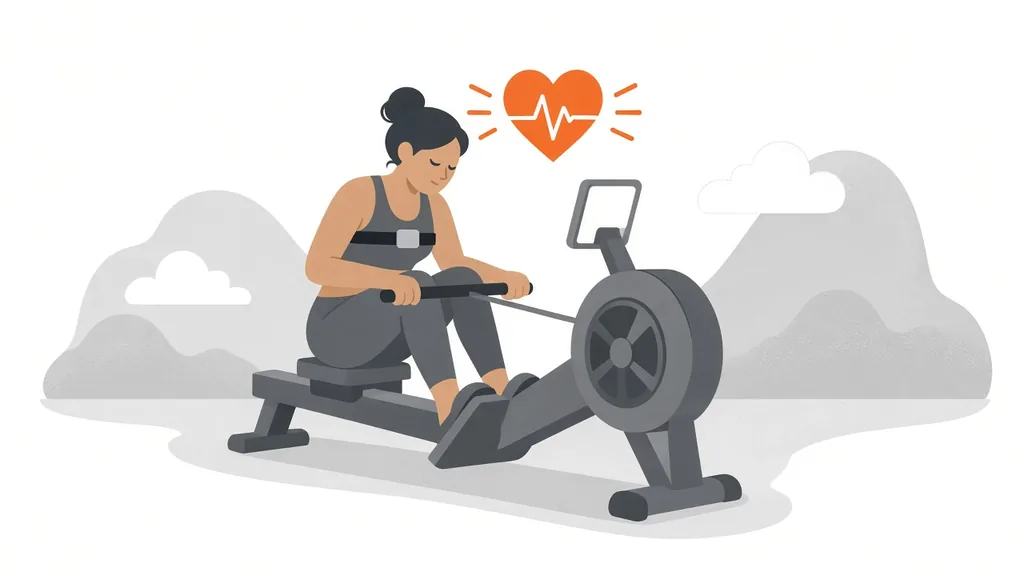
- Pair a chest strap with ErgData for heart rate — useful for zone 2 sessions.
- Rowing counts toward your total training load alongside runs and rides.
More on the Concept2 integration page.
Worked example
Illustrative scenario. Rui uses a RowErg three times a week. He connects his Concept2 Logbook to MoveVitals and pairs a chest strap to the monitor so heart rate is recorded with each session. His steady 30-minute rows average 2:05/500 m at 138 bpm. After eight weeks the same heart rate gives about 2:01/500 m, a sign of improved aerobic fitness. His 2,000 m test drops from 7:48 to 7:36. Because he also logs the rows in another app that uploads to Strava, he keeps only one source on to avoid duplicates.
Action steps
- Connect your Concept2 Logbook in MoveVitals Connections.
- Pair a heart rate strap to the PM5 monitor or ErgData so sessions include heart rate.
- Use the same drag factor for comparable sessions.
- Repeat a benchmark (such as 2,000 m or 30 minutes) every 6–8 weeks.
- Disable duplicate uploads from other apps if the same session reaches MoveVitals twice.
Related guides
- Indoor rowing: technique, split times and the 2k test
- Training load explained: TRIMP, TSS, strain and relative effort
- Cross-training: building fitness while sparing your joints
- Heart rate zones explained: how to set and use them
- HYROX training: stations, run splits and how to use your watch on race day
FAQ
Do old logbook entries import? Yes, recent history is imported after connecting.
Can I log manually? Entries added manually in the Logbook sync too.
What drag factor should I use? Many rowers use roughly 110–130 for training; a higher setting is not automatically better, so pick one that suits you and keep it consistent.
Does rowing count toward my running training load? It adds to total load and aerobic fitness, but not to running-specific impact tolerance.
References
- Concept2. Concept2 | The Standard in Rowing & Exercise Since 1976 (official site). https://www.concept2.com/
- Gillinov et al. (2017). Variable Accuracy of Wearable Heart Rate Monitors during Aerobic Exercise. Medicine & Science in Sports & Exercise. https://doi.org/10.1249/MSS.0000000000001284
For general information only. This is not medical advice — talk to a qualified professional about your health.
Keep reading
Training science
Zone 2 training: the science and how to do it right
4 min read
Training science
Polarized training (80/20): easy most of the time, hard some of the time
4 min read
Sports
Japanese interval walking: the 3-minute fast / 3-minute slow method, step by step
8 min read
Training science
Interval training and HIIT: designing sessions that work
4 min read
Sports
Trail running with a watch: heart rate, climbs and pacing by effort
7 min read
Sports
Walking for fitness and weight loss: pace, heart rate zones and how much is enough
9 min read